
Aaluman
Smart Compressor
📉 Smart Image Compressor
Reduce file size with precision. Use the quality slider for simple compression, or set an exact target in KB/MB – we'll get as close as possible. Supports JPG, PNG, WebP. Private, fast, browser‑based.
Drag & drop or click to select image (JPG, PNG, WebP, etc.)
📷 Original
Size ...
✨ Compressed
Size ...
📖 About the Smart Image Compressor
Our Smart Image Compressor gives you complete control over your image file size. You can either use the intuitive quality slider (0–100%) to visually adjust the balance between quality and size, or switch to target‑size mode to specify an exact file size in KB or MB – the tool will automatically find the optimal compression to match your goal. All processing happens locally in your browser, so your images never leave your device.
Key Features:
- Quality Slider: Fine‑tune compression from 1% (smallest) to 100% (best quality). Preview changes instantly after clicking Compress.
- Exact Target Size: Enter any size (e.g., 500 KB, 2 MB) and the tool uses a smart binary‑search algorithm to hit it within a few bytes.
- Wide Format Support: Works with JPEG, PNG, and WebP. For PNG (lossless), a warning helps you choose the right format for precise sizing.
- Live Preview & Comparison: See the original and compressed images side‑by‑side with file sizes displayed.
- Drag & Drop Upload: Simply drag an image into the upload area – no complicated forms.
- Fast & Private: All processing uses the Canvas API; no uploads, no tracking, no server logs.
📋 Step by Step Guide
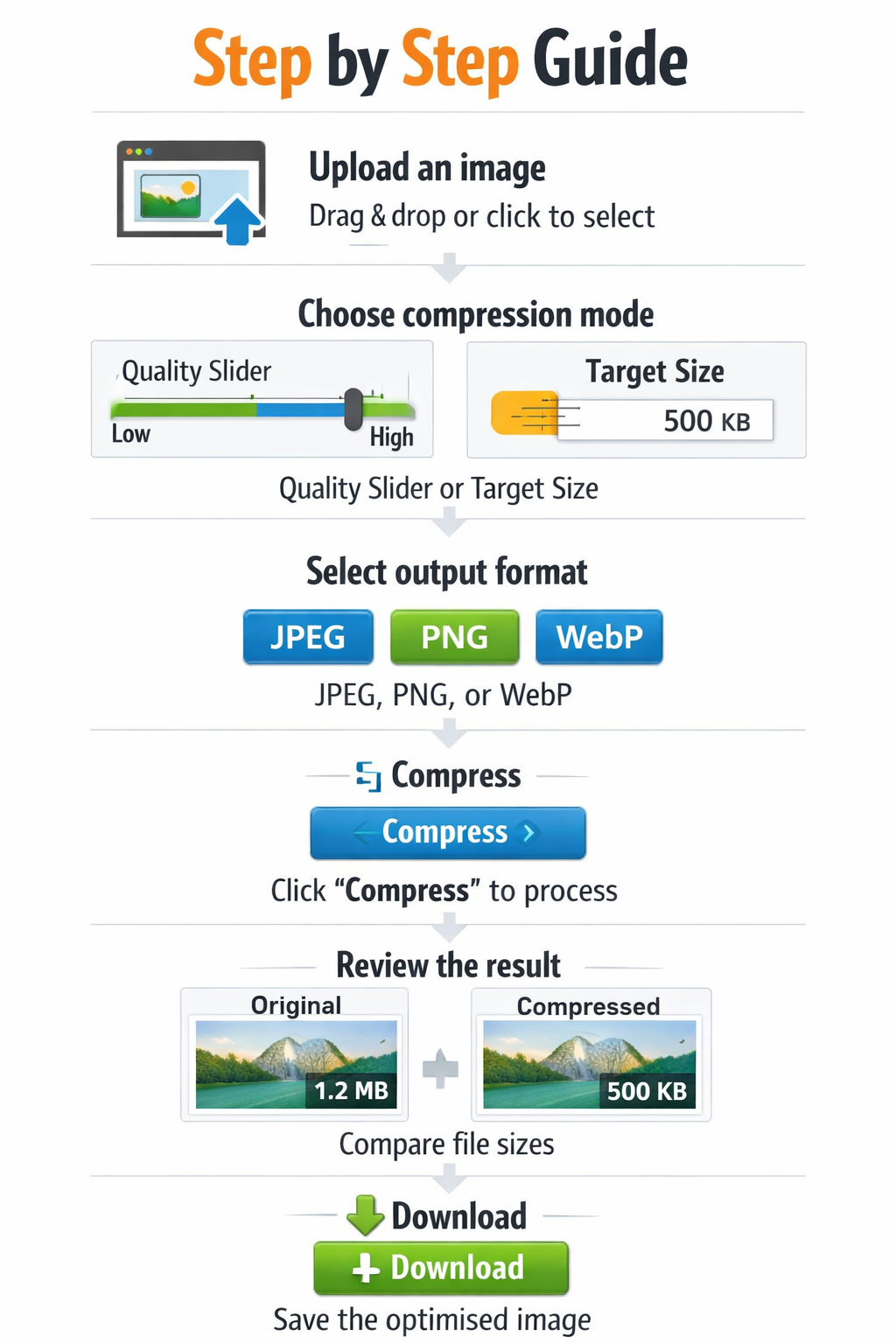
- Upload an image: Drag & drop or click to select any common image format.
- Choose compression mode:
- Quality Slider: Move the slider to set the desired quality (higher = larger file, better quality). Click “Compress” to see the result.
- Target Size: Enter a number (e.g., 500) and choose KB or MB. Click “Compress” – the tool will automatically find the best quality to hit that size.
- Select output format: JPEG (best for photos), PNG (lossless, ideal for graphics), or WebP (modern, often smaller).
- Compress: Click the “Compress” button. A loading spinner appears while processing – usually less than a second.
- Review the result: The compressed image appears next to the original, with both file sizes shown. For target mode, you'll see how close we got to your target (often within a few bytes).
- Download: Click “Download” to save the optimised image. The file will be named “compressed.jpg” (or .png/.webp).
Pro Tip: Use the quality slider when you care about visual quality first, and target mode when you have strict file‑size requirements (e.g., email attachments, website limits). For PNG, exact target sizing is difficult because it's lossless – we recommend JPEG or WebP for precise control.
💡 Real‑Life Examples & Use Cases
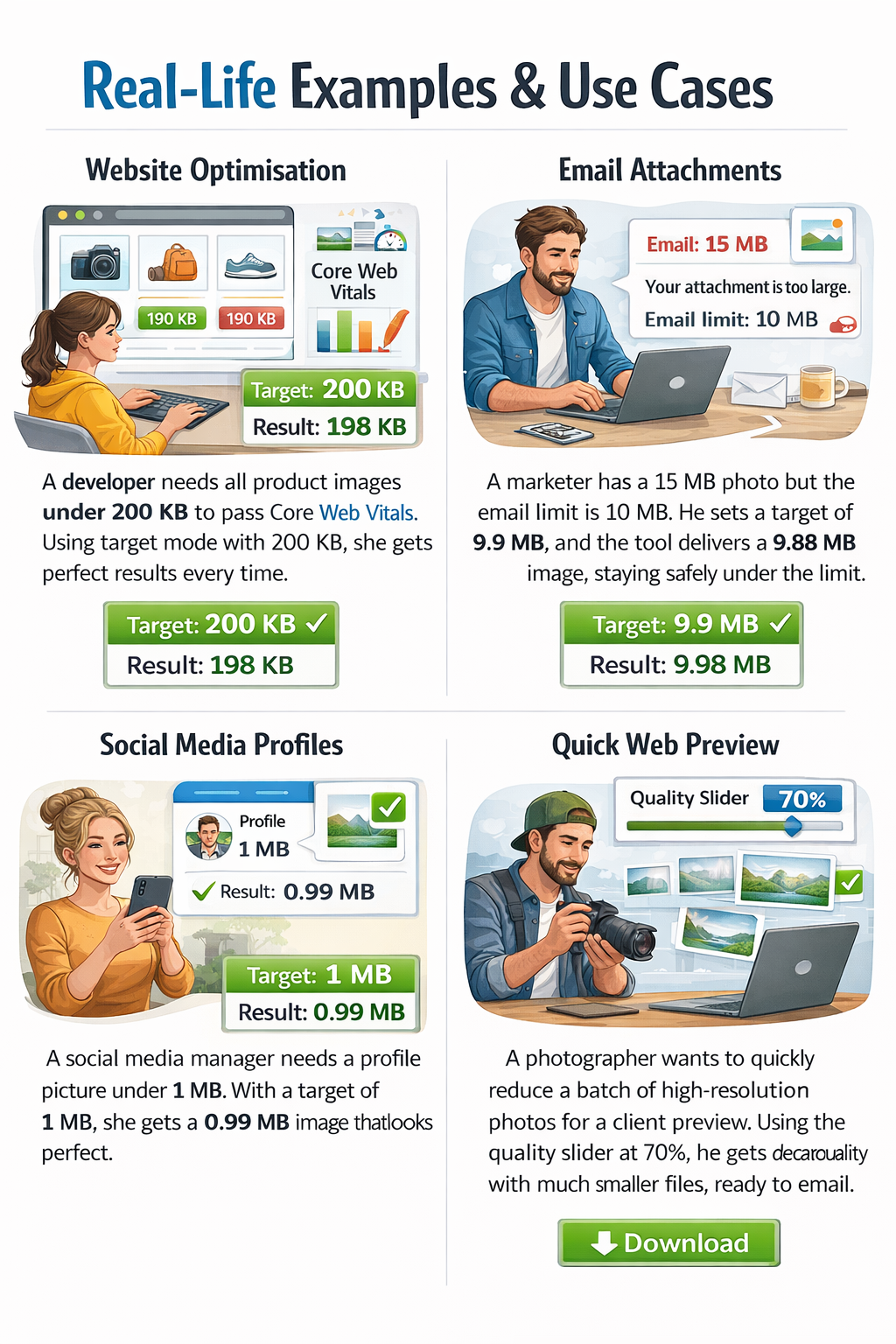
Website Optimisation: A developer needs all product images under 200 KB to pass Core Web Vitals. Using target mode with 200 KB, she gets perfect results every time.
Email Attachments: A marketer has a 15 MB photo but the email limit is 10 MB. He sets a target of 9.9 MB, and the tool delivers a 9.88 MB image, staying safely under the limit.
Social Media Profiles: A social media manager needs a profile picture under 1 MB. With a target of 1 MB, she gets a 0.99 MB image that looks perfect.
Quick Web Preview: A photographer wants to quickly reduce a batch of high‑resolution photos for a client preview. Using the quality slider at 70%, he gets decent quality with much smaller files, ready to email.
📰 The Ultimate Guide to Image Compression
In today’s digital world, images are everywhere – from social media feeds to online stores. But high‑resolution photos come with a cost: large file sizes that slow down websites and clog up storage. Image compression is the solution, but traditional tools force you to guess a quality percentage. What if you need an image to be exactly 500 KB for a specific upload limit? That’s where our exact‑target compressor shines.
How Exact Target Compression Works
The technology behind our tool is surprisingly simple yet powerful. When you set a target size, the tool repeatedly compresses the image with different quality settings, checking the resulting file size after each attempt. Using a binary‑search algorithm, it homes in on the perfect quality level that yields a file size as close as possible to your target. All of this happens in milliseconds, right inside your browser.
Why Quality Slider & Target Mode Are Both Essential
Sometimes you want to control the visual appearance directly – the quality slider gives you that freedom. Other times, you have a strict file‑size requirement (e.g., a 2 MB limit on a job application). With both modes, you're covered. The slider is perfect for everyday tweaks; target mode is your precision tool.
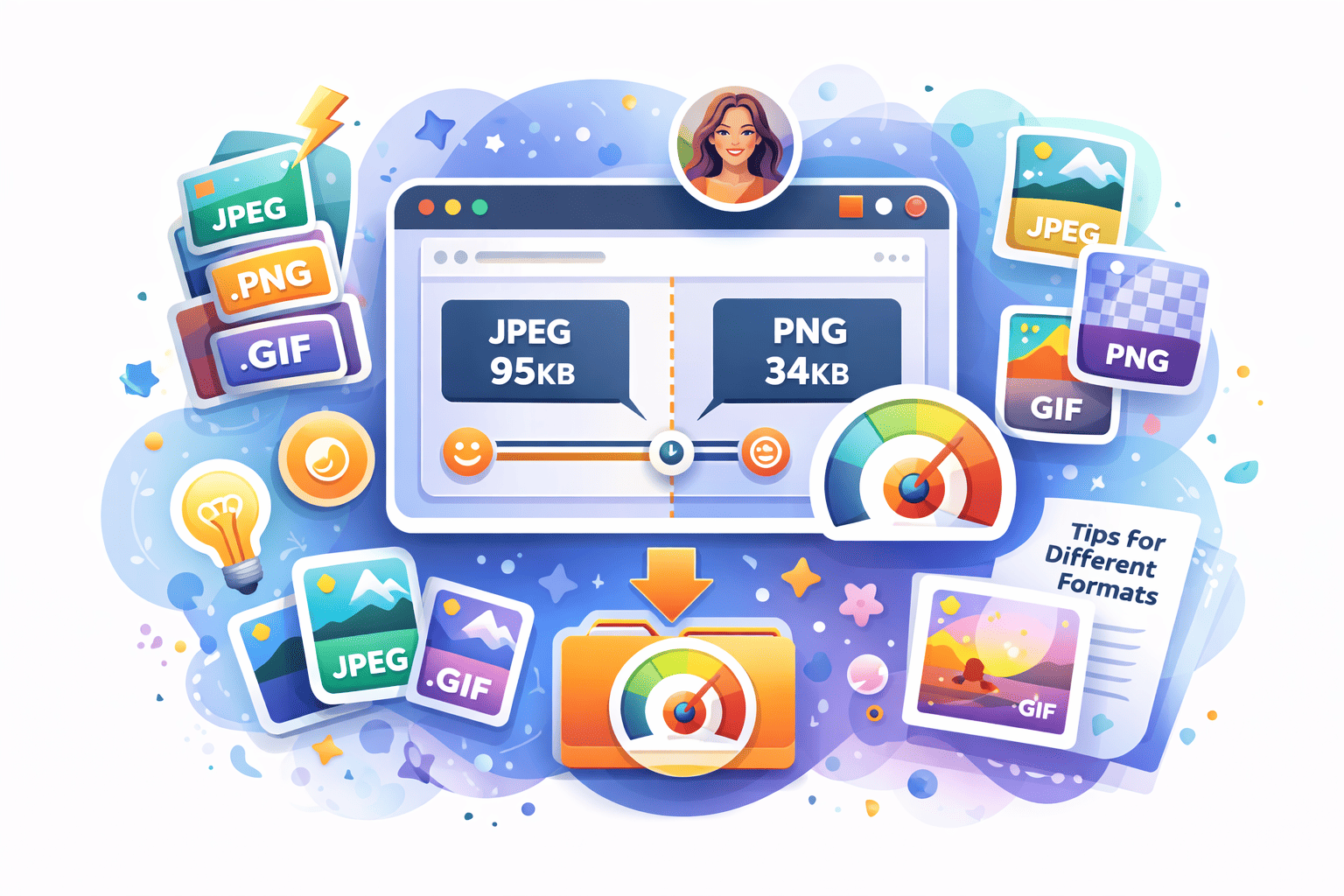
Tips for Different Formats
- JPEG: Ideal for photos. Our algorithm works perfectly with JPEG to hit any target size.
- WebP: Even smaller than JPEG at the same quality. Great for modern websites.
- PNG: Lossless format; you can’t control its size with quality. If you need exact sizing, convert to JPEG/WebP first.
With our Smart Compressor, you’re no longer at the mercy of vague sliders. Take control of your images, hit every file‑size requirement, and enjoy a faster, more efficient digital life – all while keeping your images private and secure.